Date ideas

Couple video calling using long distance apps on phones

Best Apps for Long Distance Couples

Long distance takes work. Your phone already has tools that make it easier to stay in touch and have fun together. These eight activities use apps you likely already have or can get for free. They focus on small specific actions like sending a scheduled message or sharing a song. Most take less than fifteen minutes. Pick one to try this week and see how it fits your schedule. The key is consistency over time. Talk with your partner about which ones you both like. Over a few weeks they can become part of how you keep your days linked.

Spiciness

Choose how bold you want tonight to feel.

Reset to Cute ✨
🌶️🌶️🌶️

1. Video Dares 🌶️

After dark

Cost: $At homeAfter dark 🌶️🌶️🌶️🌶️

Locked for now

Raise your spice level to 🌶️ 4

This idea is hidden at your current setting. Raise the level to unlock the full action, pro-tip, and spicy twist for this level.

Unlock level 4Current level: 3/5

2. Heartbeat Sync

Cost: $$At homeGetting warmer 🌶️🌶️🌶️
Heartbeat Sync illustration

Action

Open an app that shares heart rate from your watch or phone. Start a call and watch the readings together. Notice how they change with different topics. This works with several free fitness apps.

Pro-Tip

Schedule it for the same time each evening to make it a habit.

Spicy Twist

Discuss what would make your heart rate rise if you were in the same room.

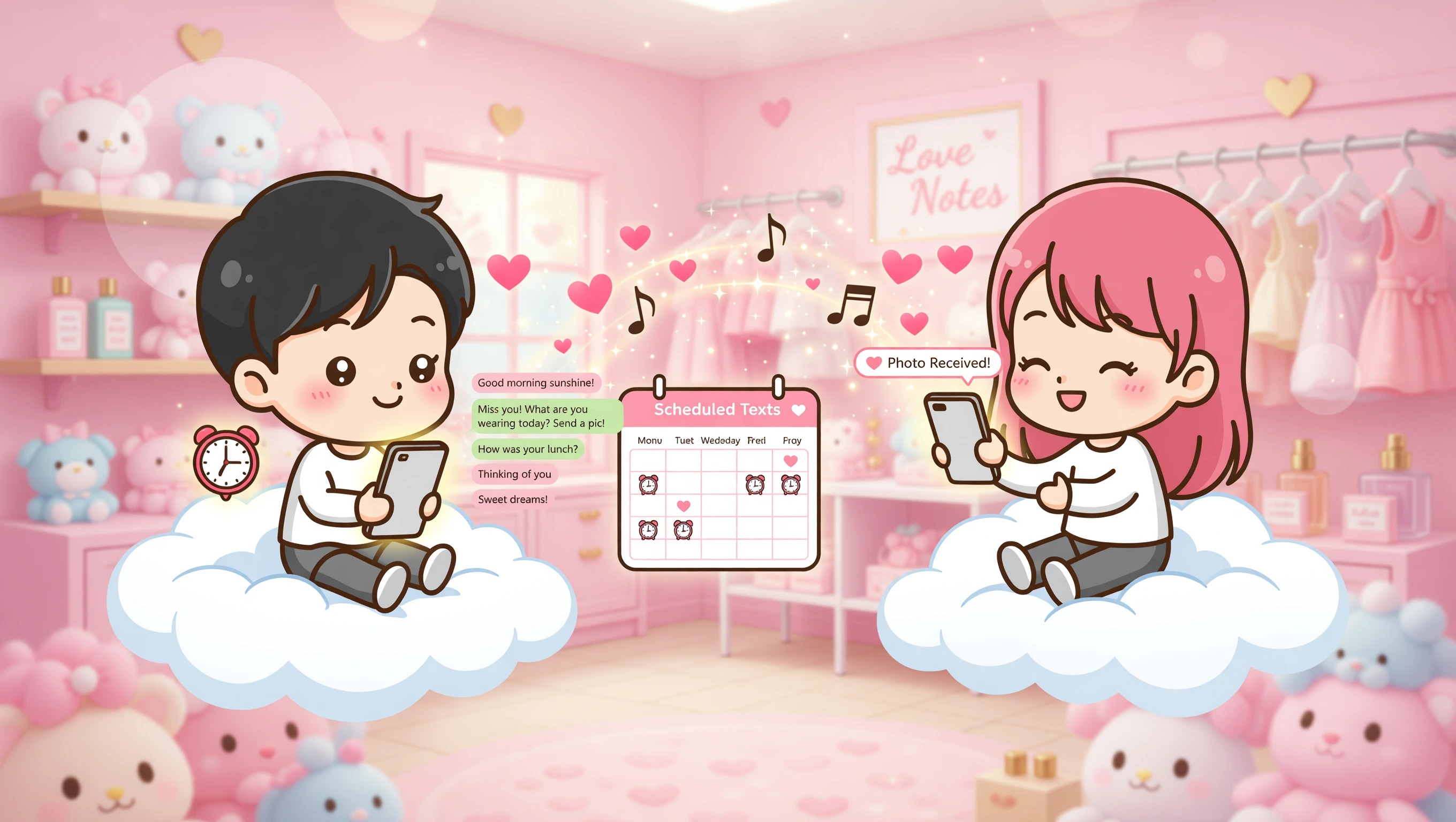
3. Scheduled Texts

Cost: $At homeGetting warmer 🌶️🌶️🌶️
Scheduled Texts illustration

Action

Set up messages to send at chosen times using a scheduling app. Write short updates or questions about their day. This keeps you present in their routine even when you are busy.

Pro-Tip

Prepare several messages on Sunday for the whole week.

Spicy Twist

Schedule a text that asks them to send a photo of what they are wearing.

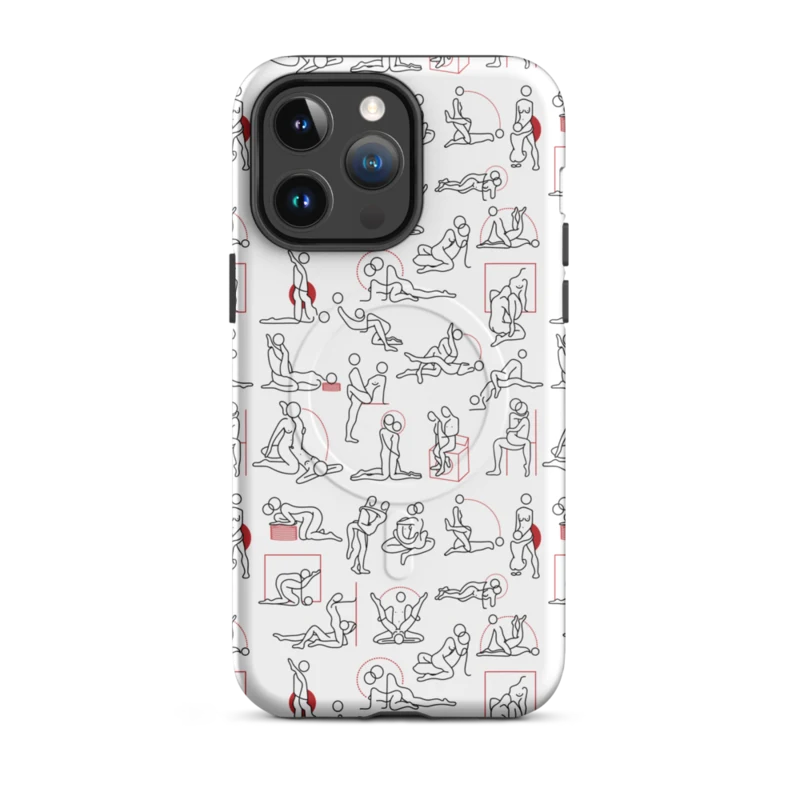
Kamasutra Cute - MagSafe® tough case for iPhone®

Featured gift

Kamasutra Cute - MagSafe® tough case for iPhone®

Keep the spark going with a gift that matches the mood of this guide.

Shop now ✨

4. Cloud Views

Cost: $At homeCute mode 🌶️🌶️
Cloud Views illustration

Action

Use a shared cloud folder to post pictures of your surroundings. Add a photo from your window or office. Comment on what your partner posts. It helps you visualize their environment.

Pro-Tip

Set a daily reminder to upload one photo.

Spicy Twist

Post a photo of yourself in a more private setting with a caption.

5. Shared Playlist

Cost: $At homeCute mode 🌶️🌶️
Shared Playlist illustration

Action

Start a playlist in a music app that both of you can edit. Add songs that make you think of them. Listen to it during a call and talk about the choices.

Pro-Tip

Add no more than two songs each per week.

Spicy Twist

Choose songs with lyrics that match your intimate moments.

6. Countdown Timer

Cost: $At homeCute mode 🌶️🌶️
Countdown Timer illustration

Action

Use a countdown app to track days until you meet. Update it together on calls. Mark milestones like one month left. It makes the time feel shared.

Pro-Tip

Add notes about what you will do on that day.

Spicy Twist

Include a countdown to when you can be alone together again.

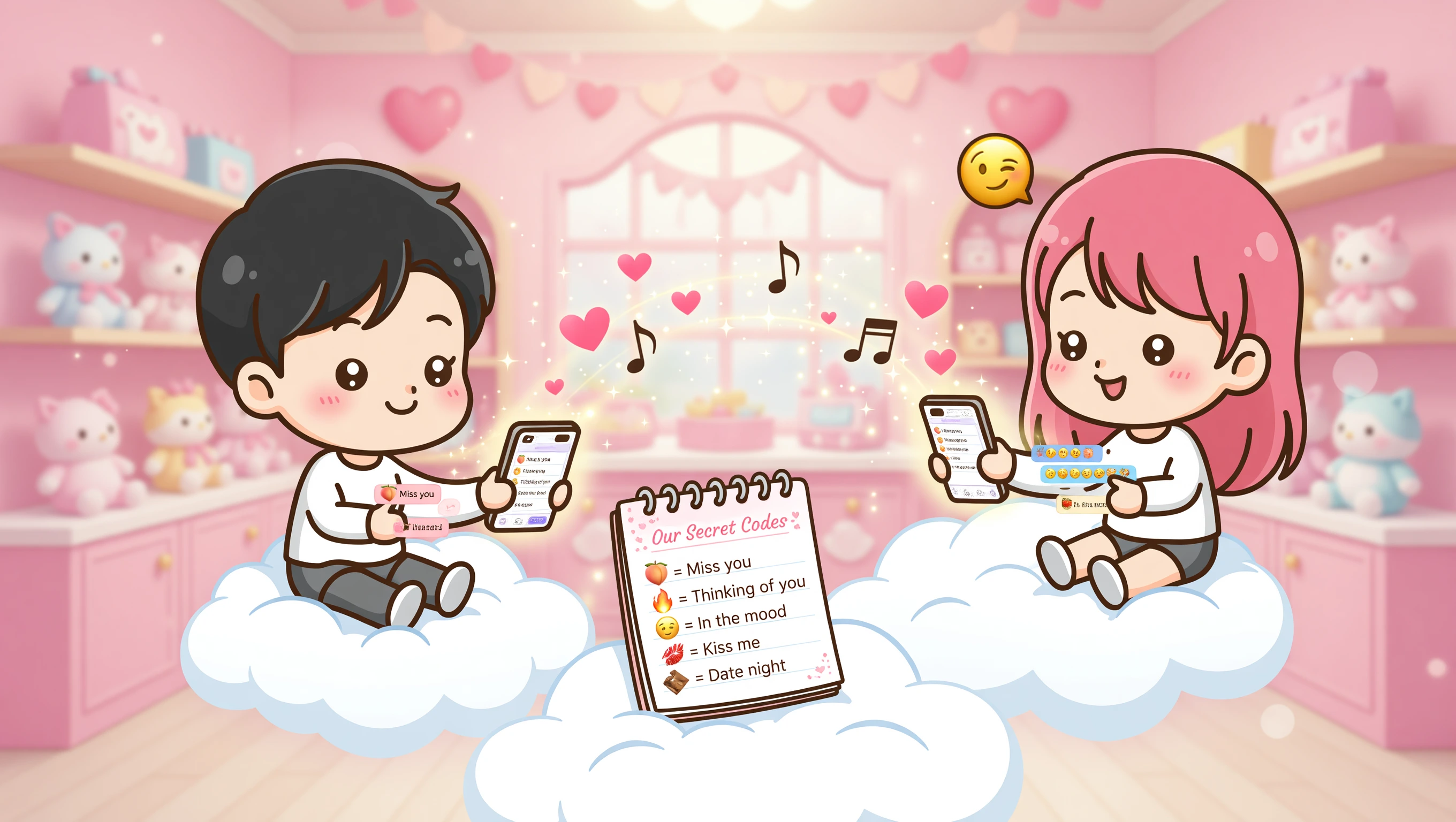
7. Emoji Codes

Cost: $At homeGetting warmer 🌶️🌶️🌶️
Emoji Codes illustration

Action

Decide what different emojis mean between the two of you. Use them in texts to send hidden messages. It turns ordinary chats into your own language.

Pro-Tip

Keep a note with the current code list.

Spicy Twist

Add a few emojis that signal when you are in the mood.

8. Filtered Photos 🌶️

After dark

Cost: $At homeAfter dark 🌶️🌶️🌶️🌶️

Locked for now

Raise your spice level to 🌶️ 4

This idea is hidden at your current setting. Raise the level to unlock the full action, pro-tip, and spicy twist for this level.

Unlock level 4Current level: 3/5
Final Tip

Start with one activity that sounds easy. Add more as you get comfortable. These small habits help bridge the distance over time.

Common Questions

Do these need special apps?

Most use apps already installed on your phone. A few may require a free download but nothing paid is necessary to start.

How often should we do these?

Two or three times a week is enough. Doing them daily can start to feel forced.

Are these safe for work phones?

Stick to your personal phone. Avoid sending anything private on devices used for work.

Keep Reading

More ideas for tonight

Jump into a few softer picks first, or skip straight to the hotter side of the archive.