Date ideas

Couple playing Discord bot games together

Best Discord Bots for Couples to Play Together

Discord is a good tool for couples. You can add bots to play games without much work. Make a server that only you two use. Then invite the bots for trivia or stories. It runs on your phone or laptop. This is useful when you have an hour free or live in different places. Pick games that fit your time. Some take five minutes while others last longer. You decide the rules together.

Spiciness

Choose how bold you want tonight to feel.

Reset to Cute ✨
🌶️🌶️

1. Truth or Dare

Cost: $At homeGetting warmer 🌶️🌶️🌶️

Locked for now

Raise your spice level to 🌶️ 3

This idea is hidden at your current setting. Raise the level to unlock the full action, pro-tip, and spicy twist for this level.

Unlock level 3Current level: 2/5

2. Trivia Quiz

Cost: $At homeCute mode 🌶️
Trivia Quiz illustration

Action

Load a trivia bot and select topics you both know. Answer the questions in order and see who gets more right. The bot shows the correct answer after each one so you can discuss it.

Pro-Tip

Prepare a few of your own questions about your shared experiences to mix in with the bot ones.

Spicy Twist

Play for a small prize like choosing the next movie.

3. Shared Music

Cost: $At homeCute mode 🌶️🌶️
Shared Music illustration

Action

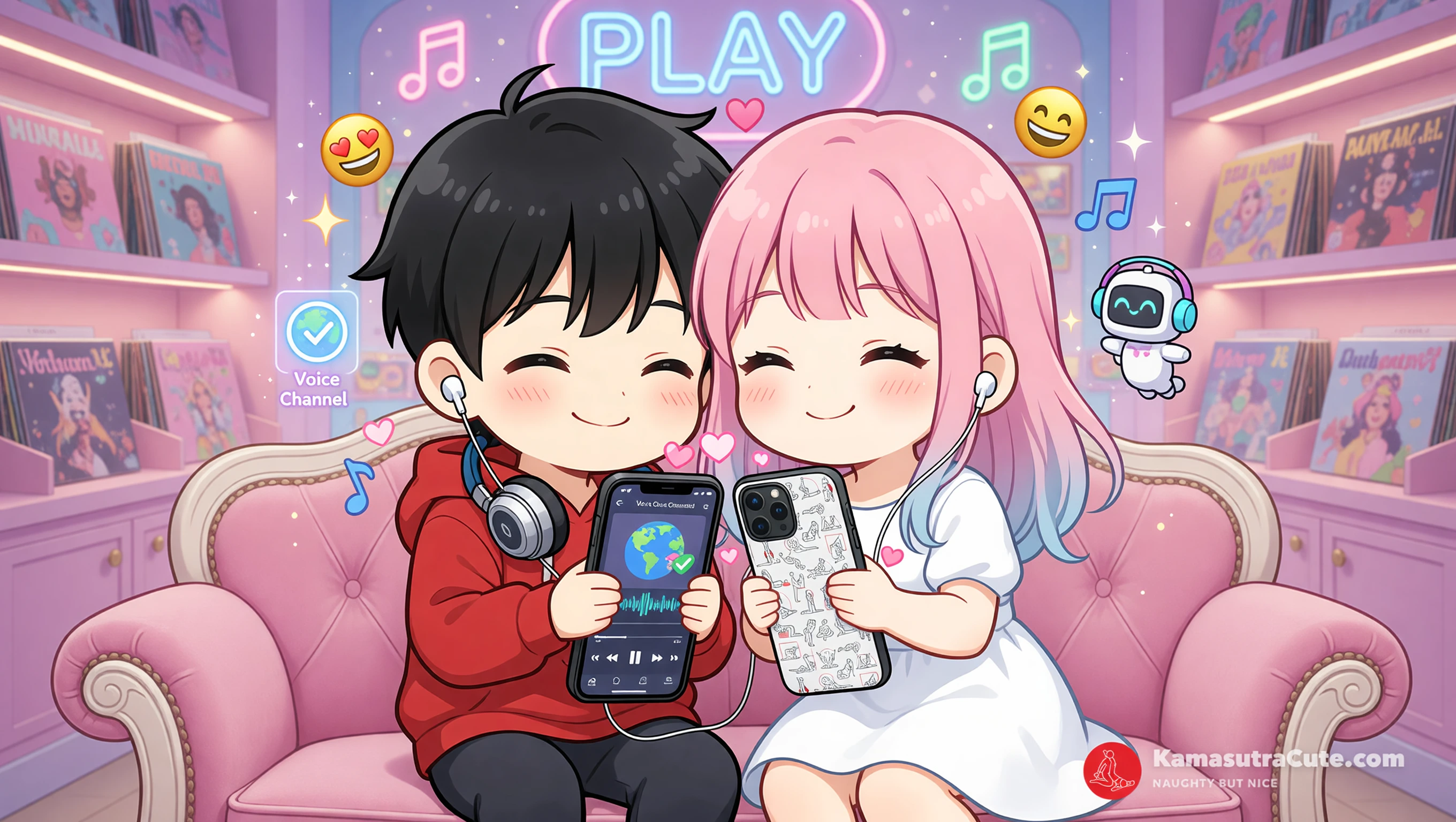
Connect a music bot to your voice channel. Take turns picking songs for the other to hear. Talk about the song or why it matters to you while it plays.

Pro-Tip

Check if the bot works in your region before you start so there are no interruptions.

Spicy Twist

Choose songs that remind you of times together.

Kamasutra Cute - MagSafe® tough case for iPhone®

Featured gift

Kamasutra Cute - MagSafe® tough case for iPhone®

Keep the spark going with a gift that matches the mood of this guide.

Shop now ✨

4. Would You Rather

Cost: $At homeCute mode 🌶️🌶️
Would You Rather illustration

Action

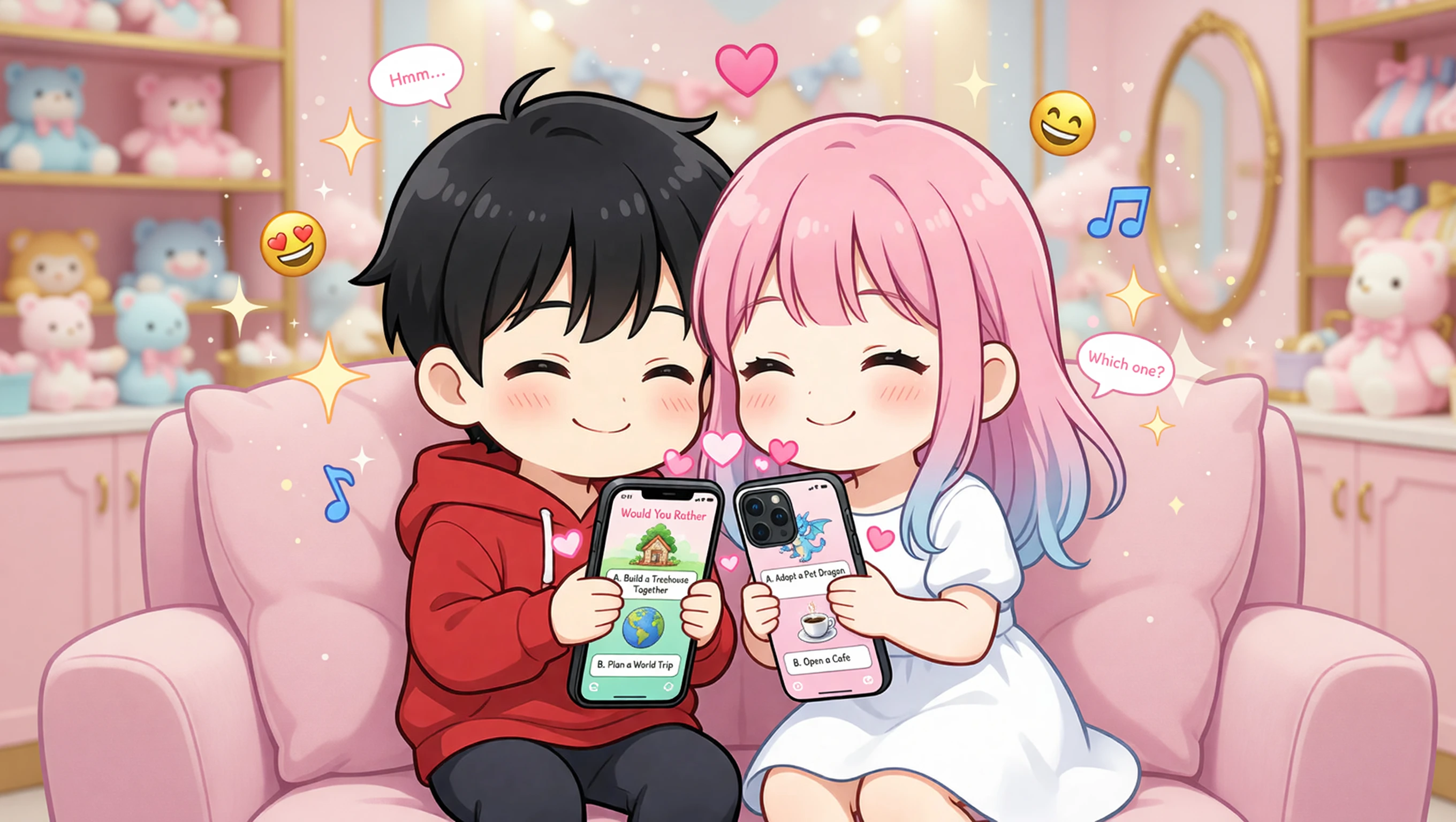
The bot gives you two options to choose from. Explain your choice to your partner. This game works in text or voice and leads to longer talks about your ideas.

Pro-Tip

Write down some of your favorite options in advance for when the bot runs out of ideas.

Spicy Twist

Focus on choices that involve future plans you could make.

5. Emoji Story

Cost: $At homeCute mode 🌶️
Emoji Story illustration

Action

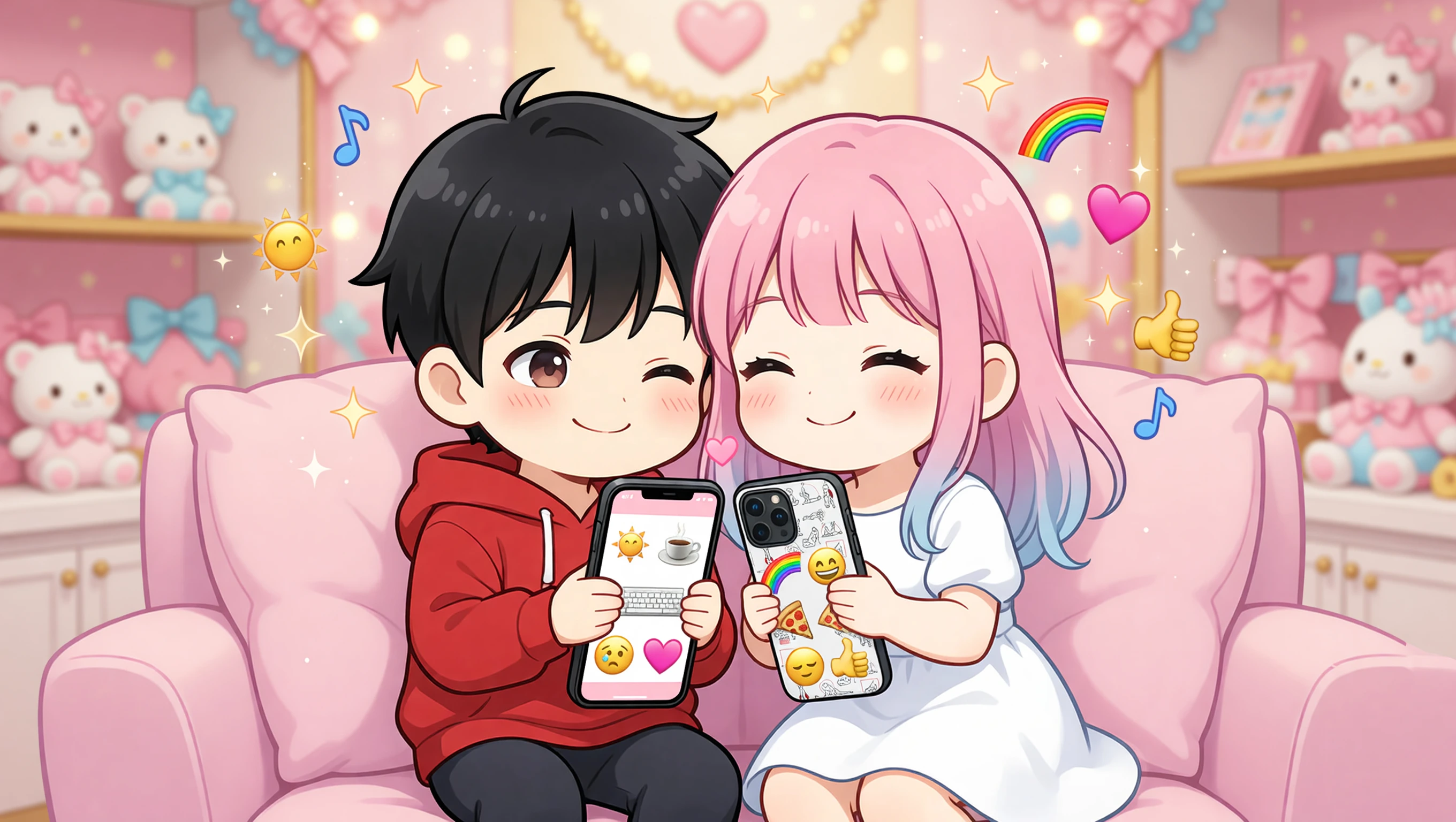
One person sends a sequence of emojis. The other has to interpret it as a story and add the next part. The bot can be used to time the turns or give themes.

Pro-Tip

Set a limit of five emojis per turn to keep the stories from getting too complicated.

Spicy Twist

Use it to describe your day in a fun way.

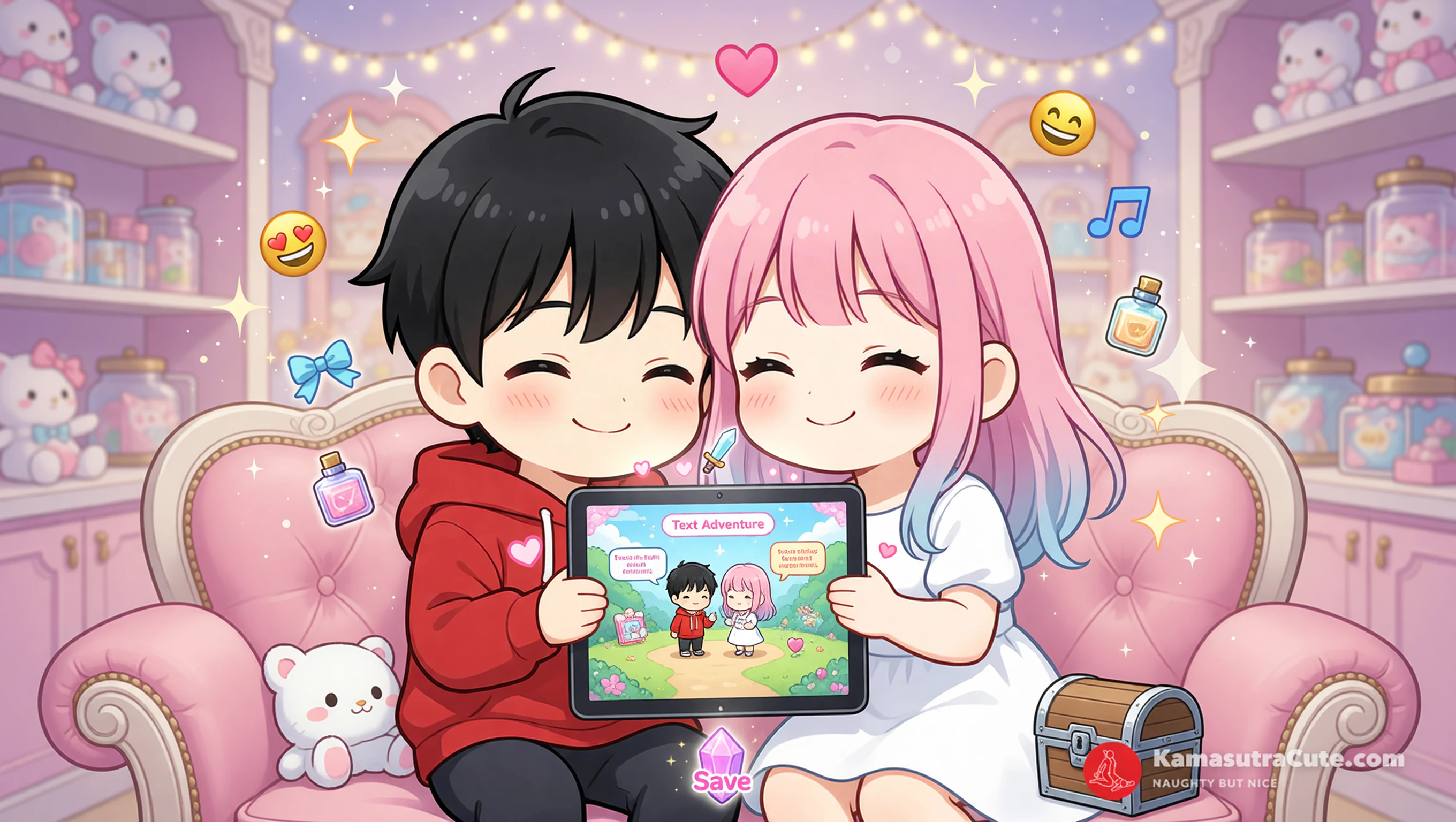
6. Text Adventure

Cost: $At homeCute mode 🌶️🌶️
Text Adventure illustration

Action

Start a story with the bot. Type actions like go left or take item. Your partner can join in to decide what to do next. The bot tells you the results.

Pro-Tip

Choose a bot that saves your progress so you can continue the story another day.

Spicy Twist

Add personal elements to the story as you go.

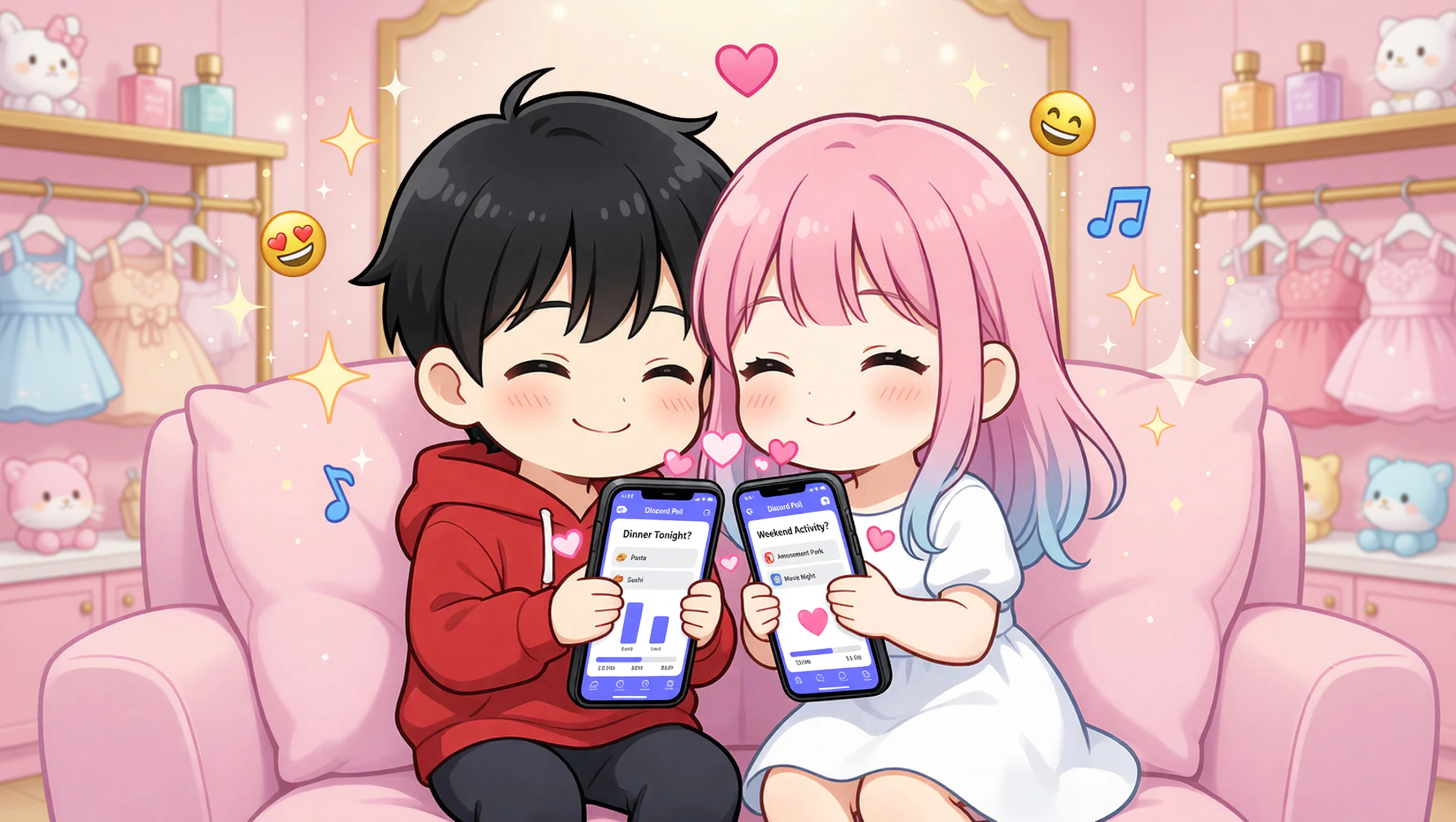
7. Quick Polls

Cost: $At homeCute mode 🌶️
Quick Polls illustration

Action

Use a poll bot to ask simple questions. Vote on dinner or activity ideas. The results come in real time so you can decide together what to do next.

Pro-Tip

Use polls to decide which game to play next if you cannot agree.

Spicy Twist

Make a poll about what to do on the weekend.

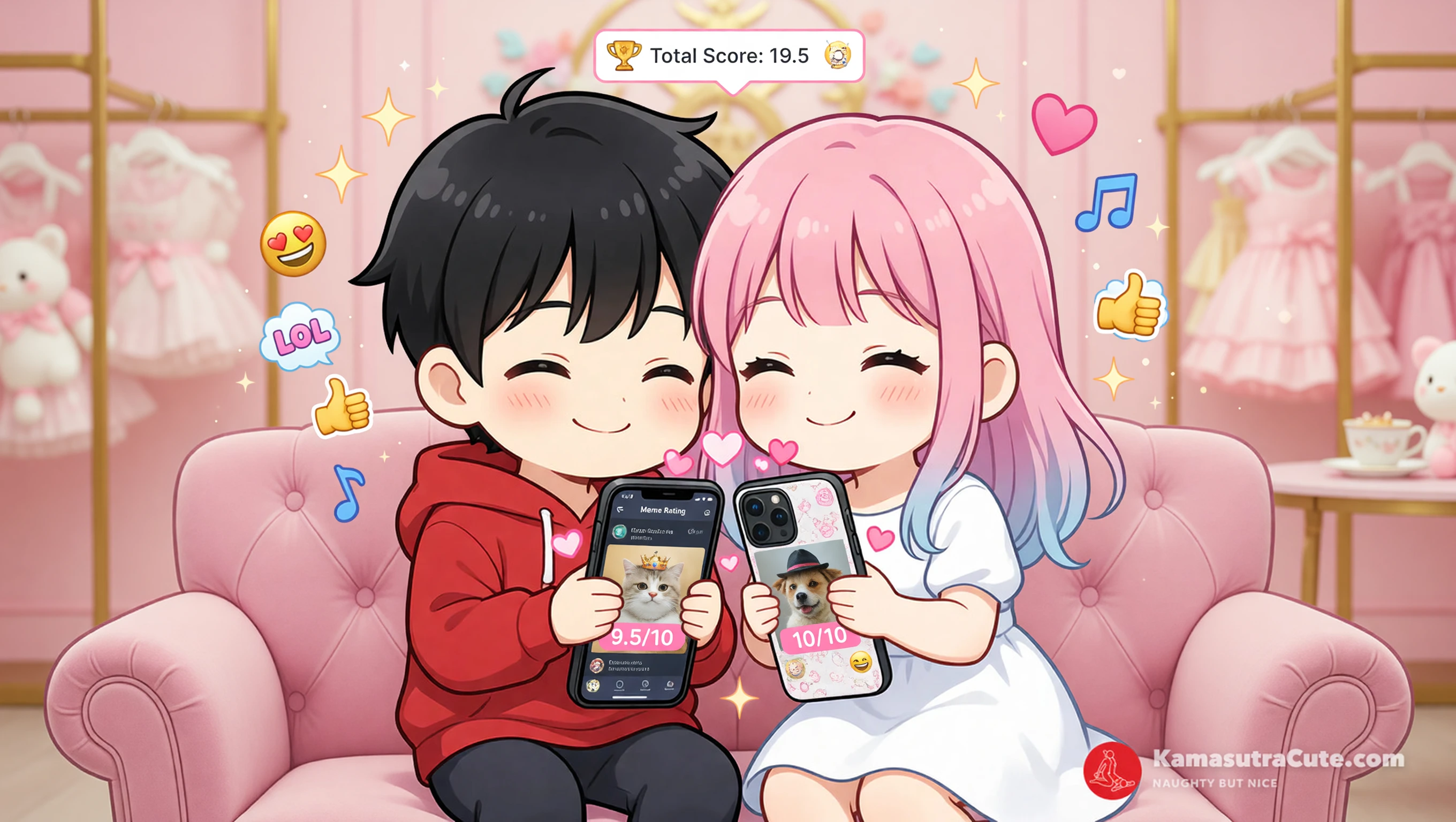
8. Meme Rating

Cost: $At homeCute mode 🌶️
Meme Rating illustration

Action

Share memes in the chat and rate each one out of ten. Keep a running total or just laugh at the bad ones. The bot can help organize the scores if you want.

Pro-Tip

Save the best ones in a separate channel for later when you need a laugh.

Spicy Twist

Include inside jokes from your time together in the memes.

Final Tip

These games give you a simple way to spend time with your partner. Add a few bots and see what works best for you two. It is easy to change when you get bored of one.

Common Questions

How do I add bots to Discord?

Go to a Discord bot directory. Find the one you want and click invite. Select the server and grant the needed permissions.

Are these games free?

Yes. You can use the basic game features on these bots without paying anything.

Can we play on phones?

Yes. The Discord app lets you use all these bots on your phone the same way as on a computer.

Keep Reading

More ideas for tonight

Jump into a few softer picks first, or skip straight to the hotter side of the archive.